"Another list dear?" she will ask.
"Why yes it is" I reply
(how's that for gripping dialogue?)
So I list and she doesn't. It got me thinking I need to list at least one list in my blog.
Does anyone out there follow Larry Ferlazzo? He is a great sharer of resources and an insane lister. I mean look at this page of lists for a second. He calls it his best of series. Each link on that page is a link to another list. I love what he is putting out there, and I follow him and his posts, but calm down with the lists just a little.
So I compromise. Here is my very short list of the top three products that students should be creating:
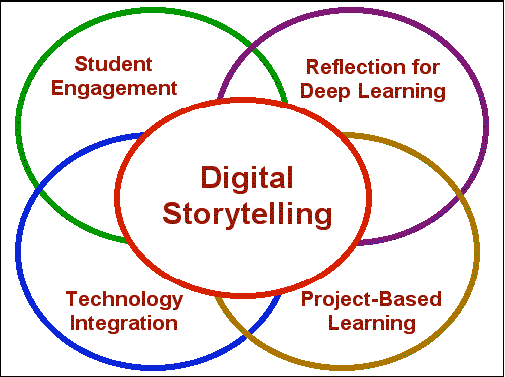

- Digital Stories. Simple, create a story or re-tell a story and illustrate it. The students create the pictures that form the story. There are several ways to do this - voice thread, prezi, good 'ol powerpoint, and my favorite google presentations. They can also expand into movie maker or other multimedia pieces. You absolutely cannot work alone on this project. Storytelling can and should be a group effort. One person can tell the story sure, but it takes many to work together in building the story. Can you animate the characters? Is there narration? Music? Sound Effects? Make sure you practice the storytelling at least twice before you present to the class.
- Multimedia Projects. Not a whole lot different than the digital stories, but this time the students themselves are the moving objects and the voices. Ideas can include - reenacting scenes or original pieces and filming them, creating stop-motion animations, creating movie or book trailers, green-screen filming, make commercials. The main criteria for in the classroom is a) moving objects b) sound/music c) image rich.
- Infographics: I am still working on this. Google Docs seems to work well for this, but I am convinced there are other tools that will work even better. The basic idea for infographics is to present research findings visually. Here are a couple of examples.


Students should be able to create all three of the above products. They should do it often and they should always express meaning and student understanding. All three can be applied to all subjects and all content. I would love to hear from anyone regarding what tools they are using to make professional infographics.
Thanks for reading - listicle


